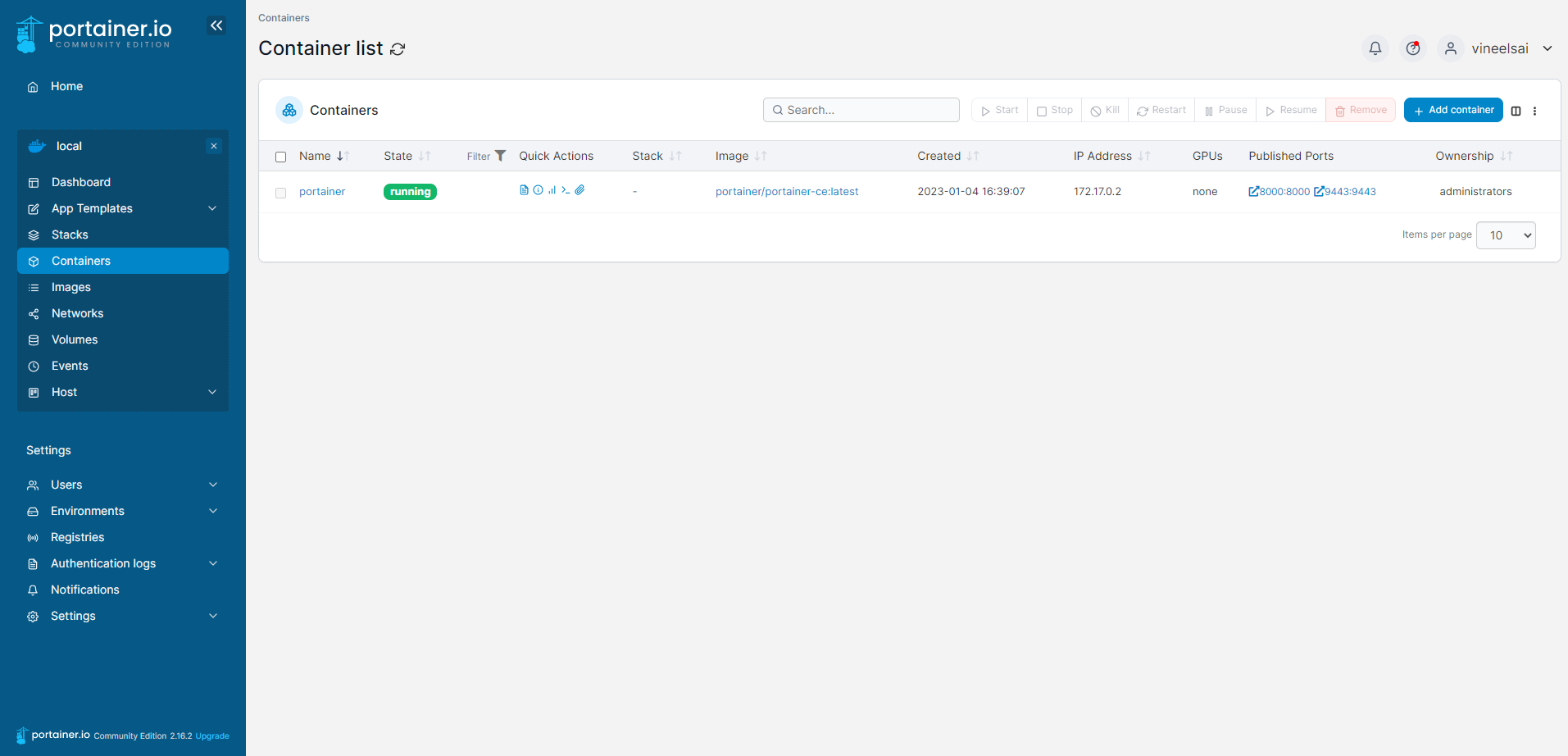
Portainer hides the complexity of managing containers behind an easy-to-use UI. By removing the need to use the CLI, write YAML or understand manifests, Portainer makes deploying apps and troubleshooting problems so easy that anyone can do it.
Prerequisites
Docker
- If you haven’t installed docker follow this article and install docker
Install Portainer
- Create docker volume for portainer
| |

- Run the following command to download and run the portainer docker container.
| |

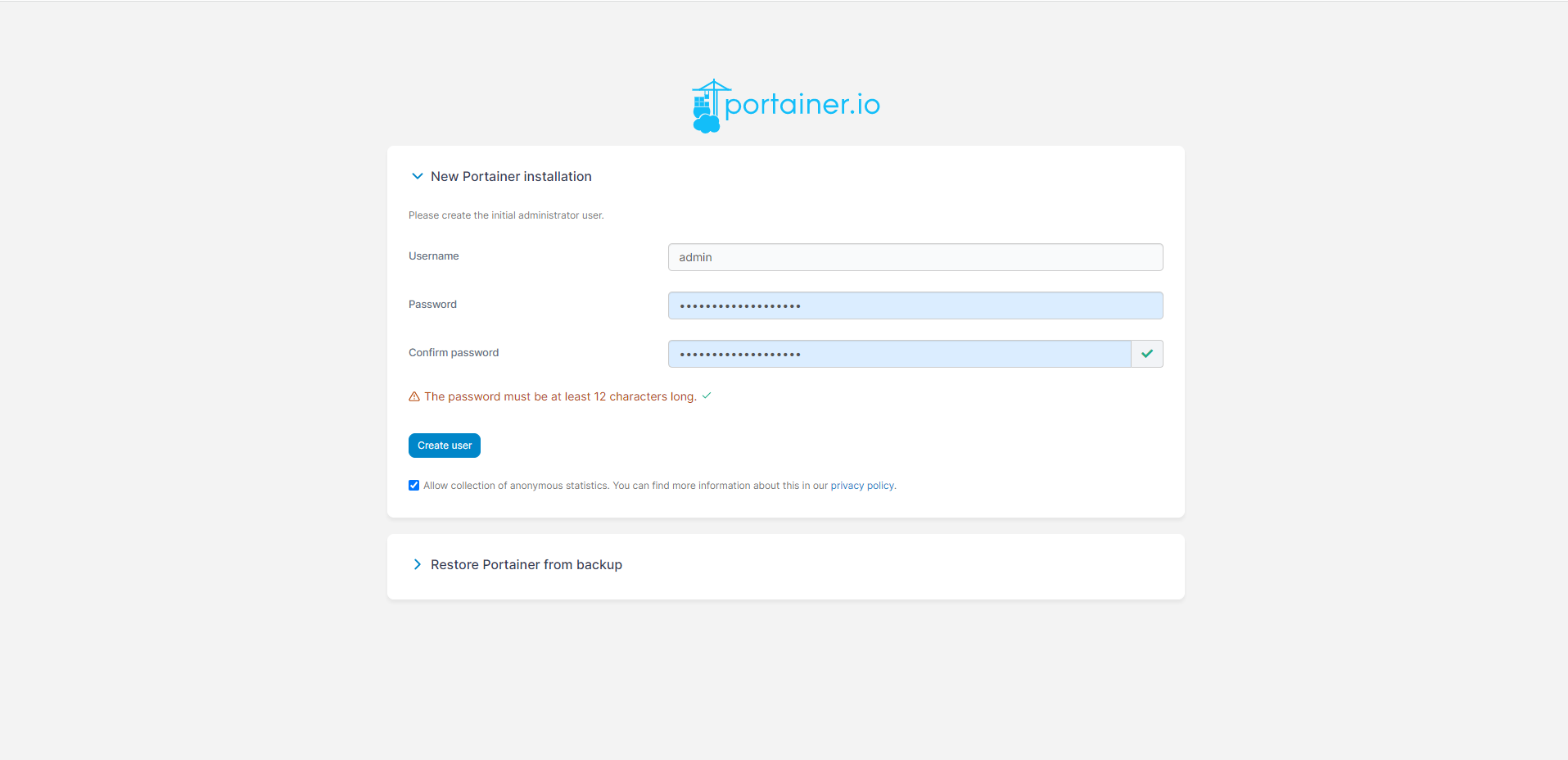
- Now go to https:meachine-ip:9443 and click advanced procied to unsafe and you get to auth page and create a password and click on create user.

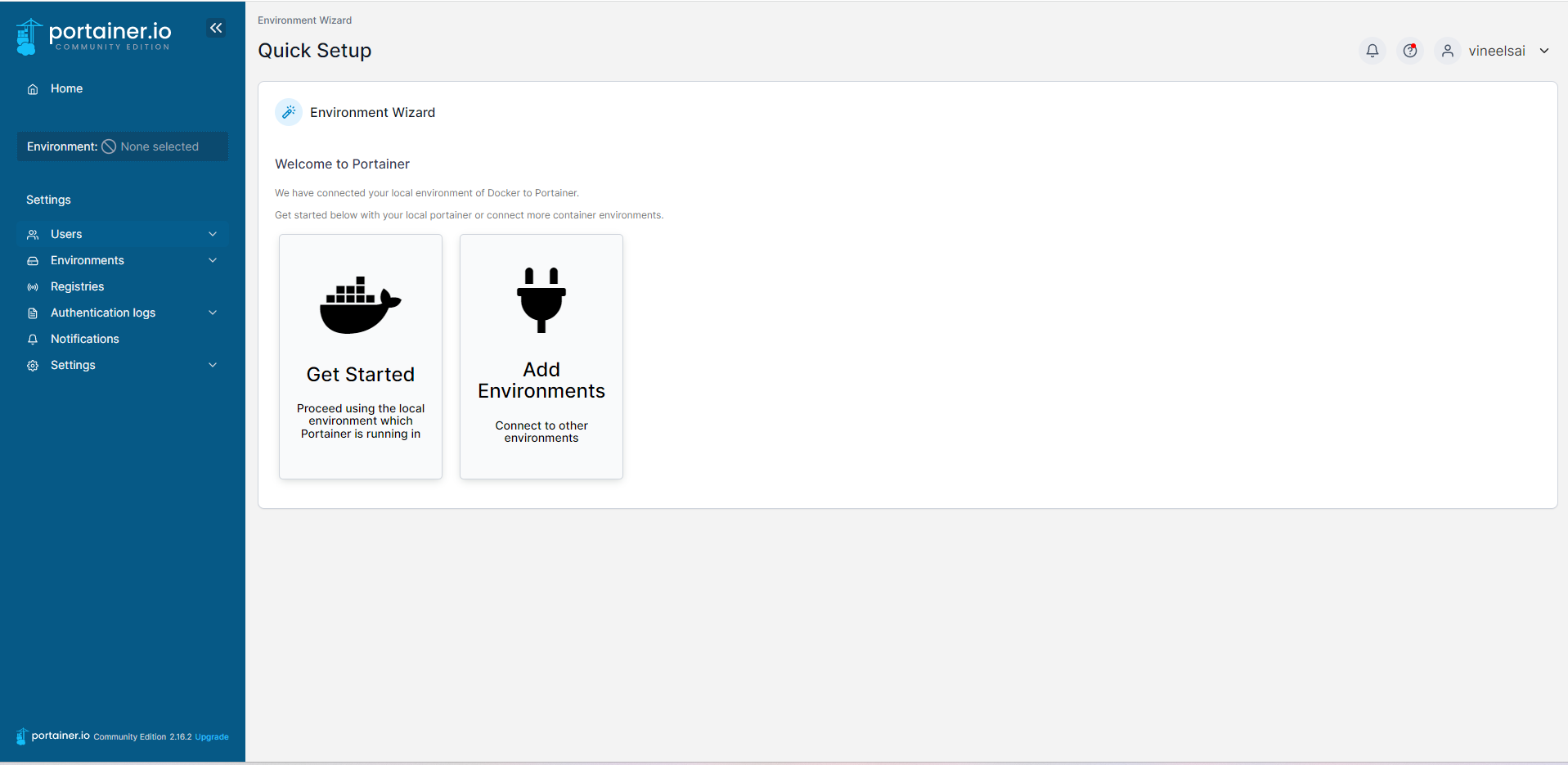
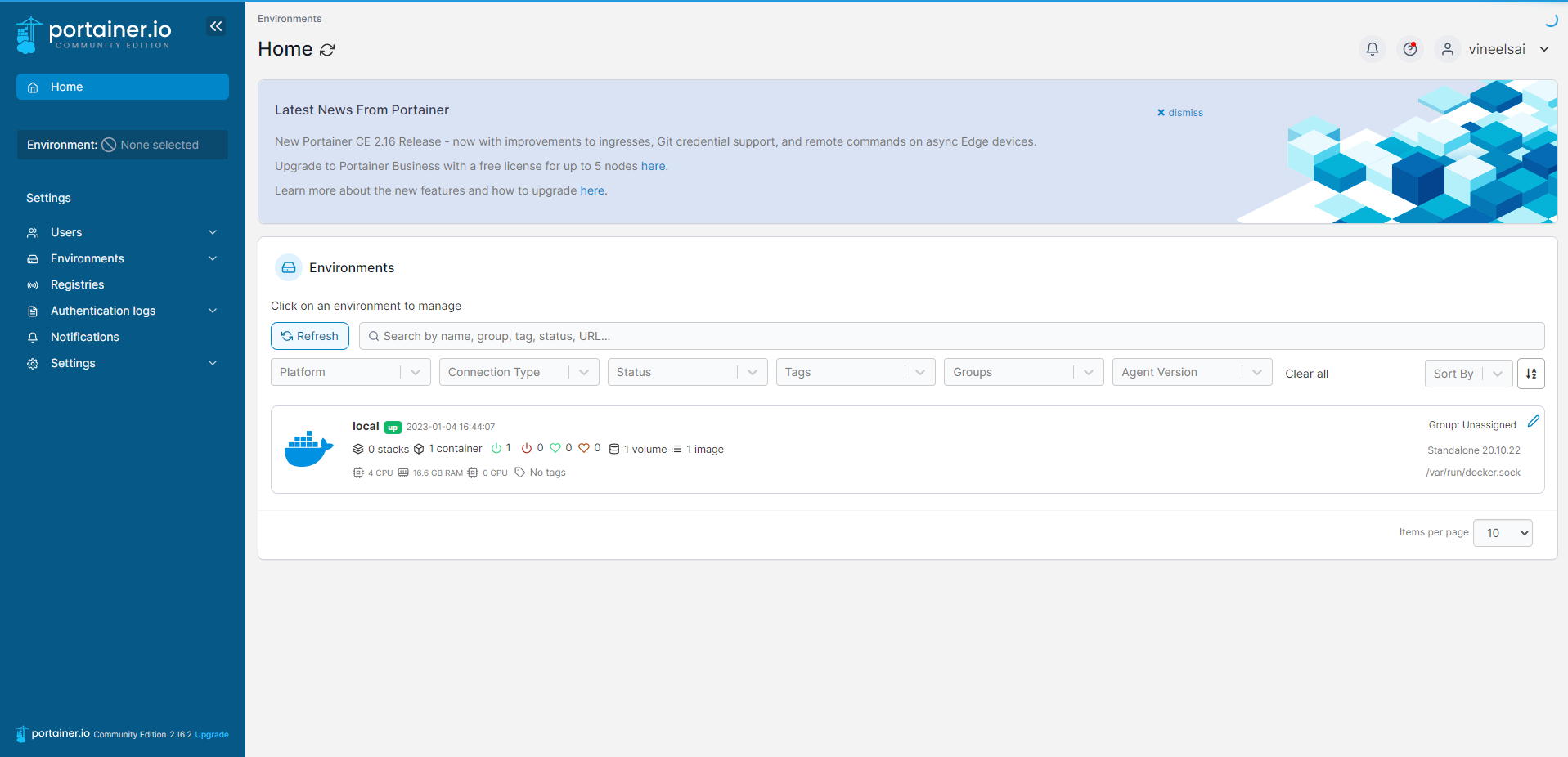
- Now you will be in the getting started page click on get started to reach portainer home page and select your environment.
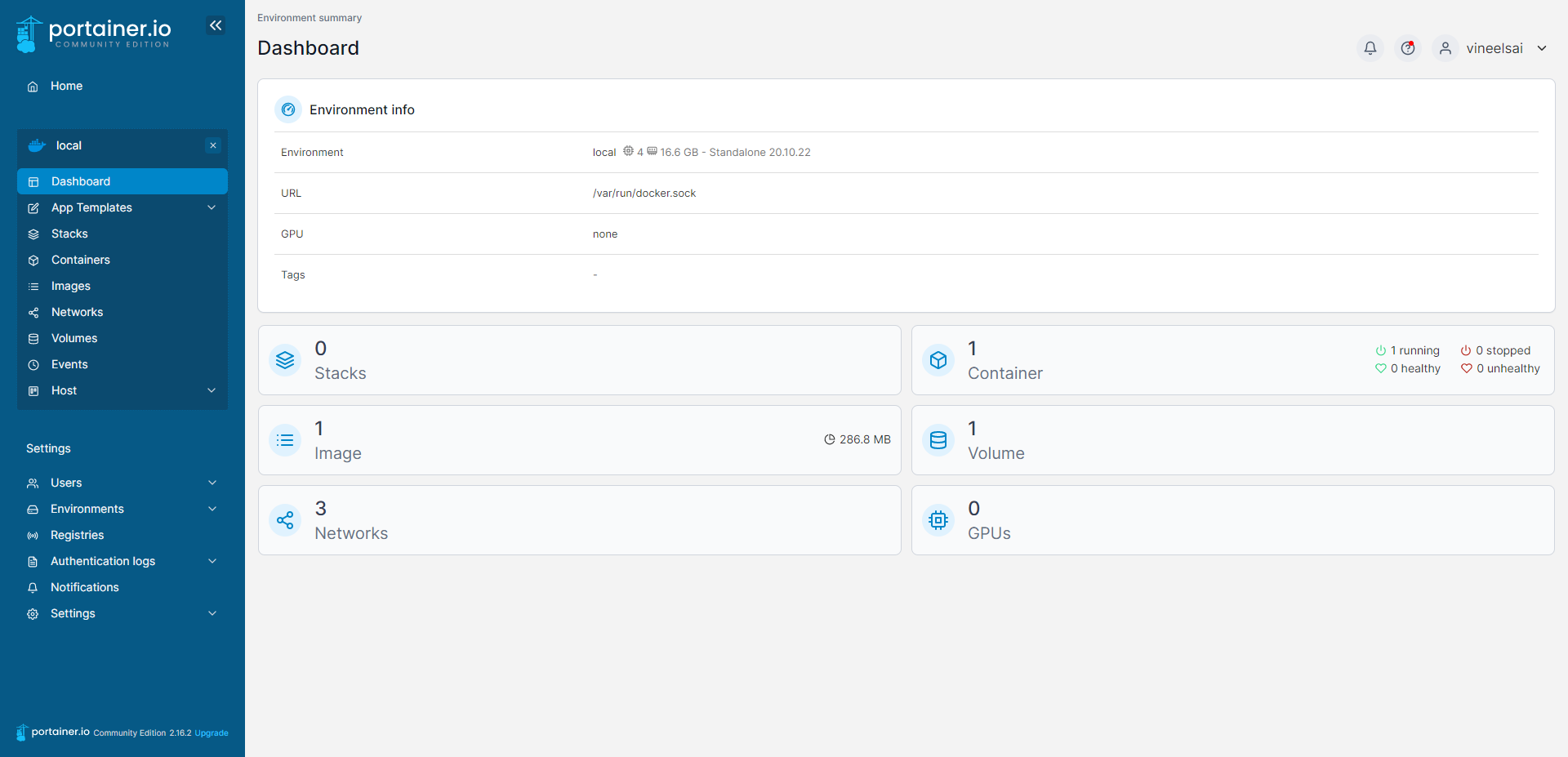
- Click on containers tab and click on add container to get started with portainer.