Snap is a packaging format developed by canonical to use in Ubuntu and other Linux distros but there are problems with snaps as they are slow compared to native binaries and consume a lot of disk space and the server side of snapcraft is proprietary, but since it’s their own technology canonical is pushing it too much over other solutions in Ubuntu , so for any of the following reasons if you want to uninstall snaps from your system just follow along.
Uninstall Snaps
- Run the following command to list all snaps in your system.
| |

- Then remove snaps one by one by using the following command
| |
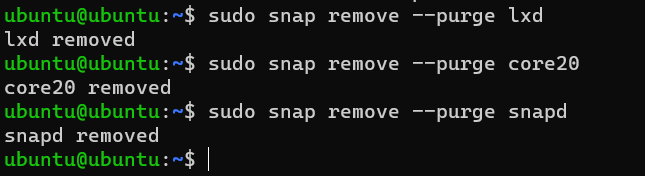
Uninstall snapd
- After removing snaps you can completely remove snap by using the following command
| |
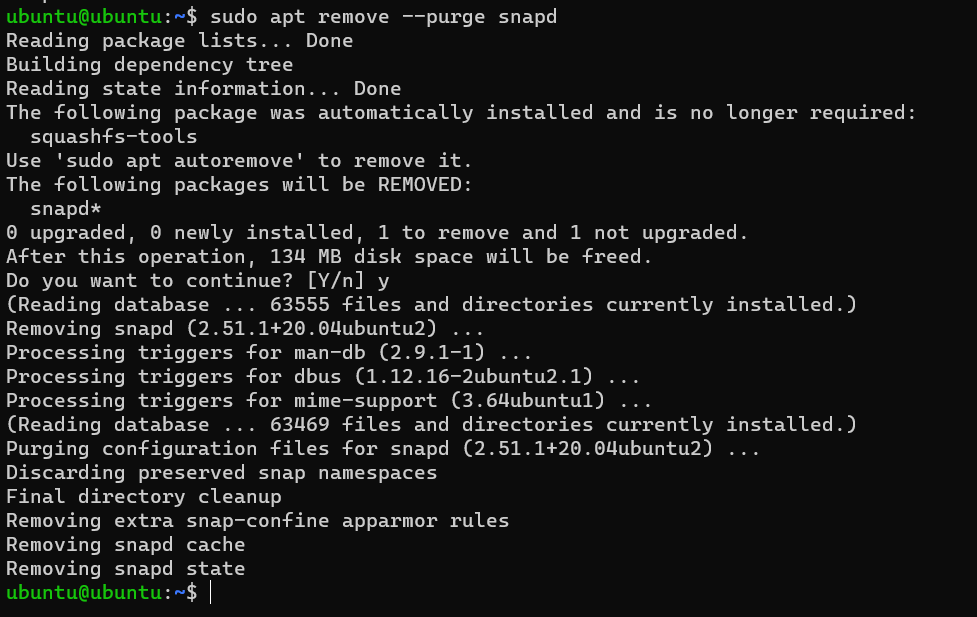
Delete snap cache
- Run the following commands to remove any snap configuration or cache files.
| |

Hold snap package
- Run the following command to prevent snap from auto installing, for example, while installing the chromium package.
| |